Ridgeline User Manual
Wind Asset Management & Due Diligence Platform
About this manual — This guide covers the four core modules of Ridgeline: Sites, DD Campaigns, Risk Register, and O&M Projections. It is designed for acquisition analysts, asset managers, and operations teams evaluating and managing wind energy portfolios.
Platform Overview
Ridgeline is a web-based platform for managing the full lifecycle of wind energy asset acquisition and operations. It provides four integrated modules:
| Module | Purpose |
|---|---|
| Sites | Asset registry. Tracks sites, turbines, components, service agreements, and work orders. |
| DD Campaigns | Due diligence evaluation. Structured five-stage pipeline for assessing acquisition targets. |
| Risk Register | Centralized risk tracking. Probability/impact scoring, mitigation plans, and reserve allocation. |
| O&M Projections | Financial modeling. Multi-year O&M cost projections with NPV calculations and industry baselines. |
Signing In
Ridgeline uses invite-only authentication. Your administrator will provide your email and initial password.
- Navigate to your Ridgeline instance login page.
- Enter your email and password.
- Click Sign in.
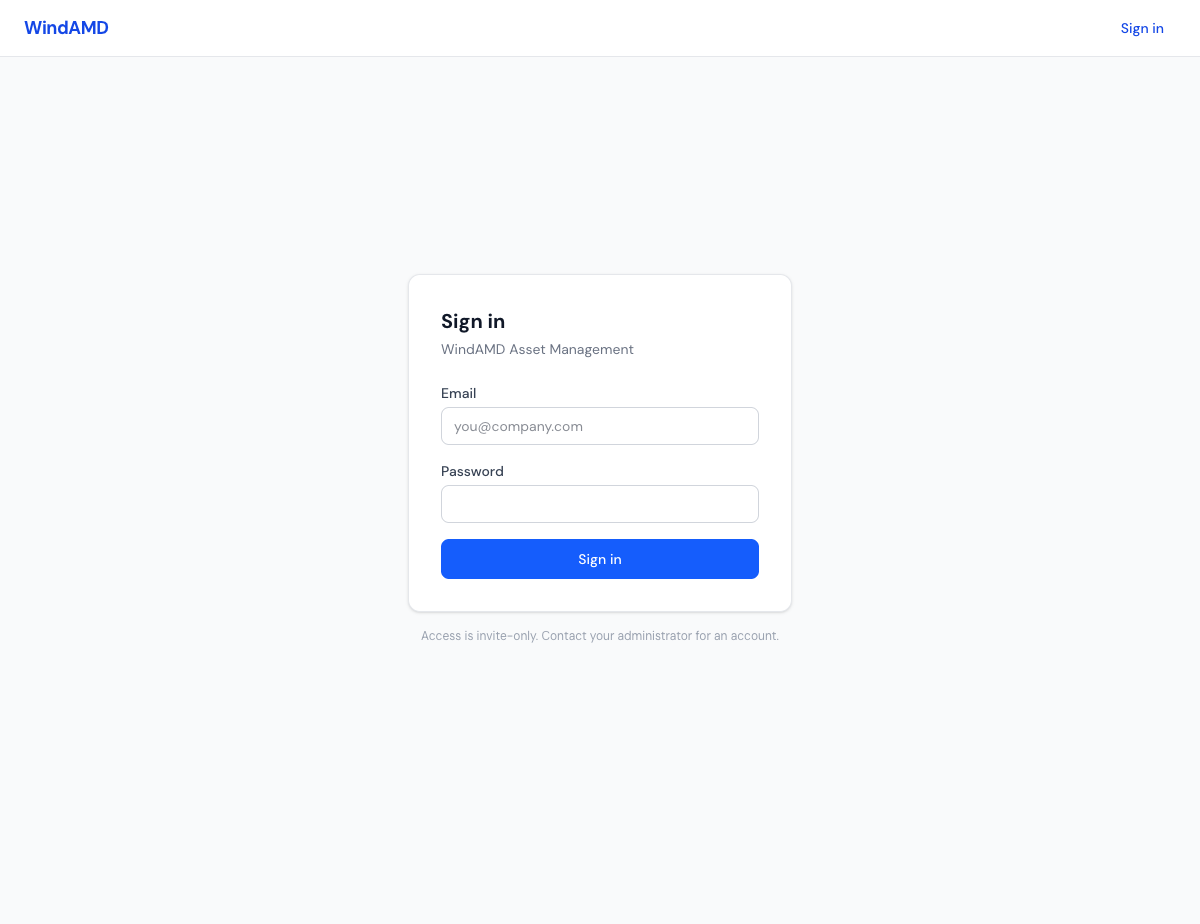
The Ridgeline sign-in screen.
Tip — Contact your administrator if you need an account. Access is invite-only and cannot be self-registered.
Dashboard
After signing in, you land on the Dashboard. It provides a quick summary of your portfolio:
- Sites — total number of registered wind sites
- Turbines — total turbines across all sites
- DD Campaigns — active due diligence evaluations
Quick-action buttons let you jump directly to Onboard Site or New DD Campaign.
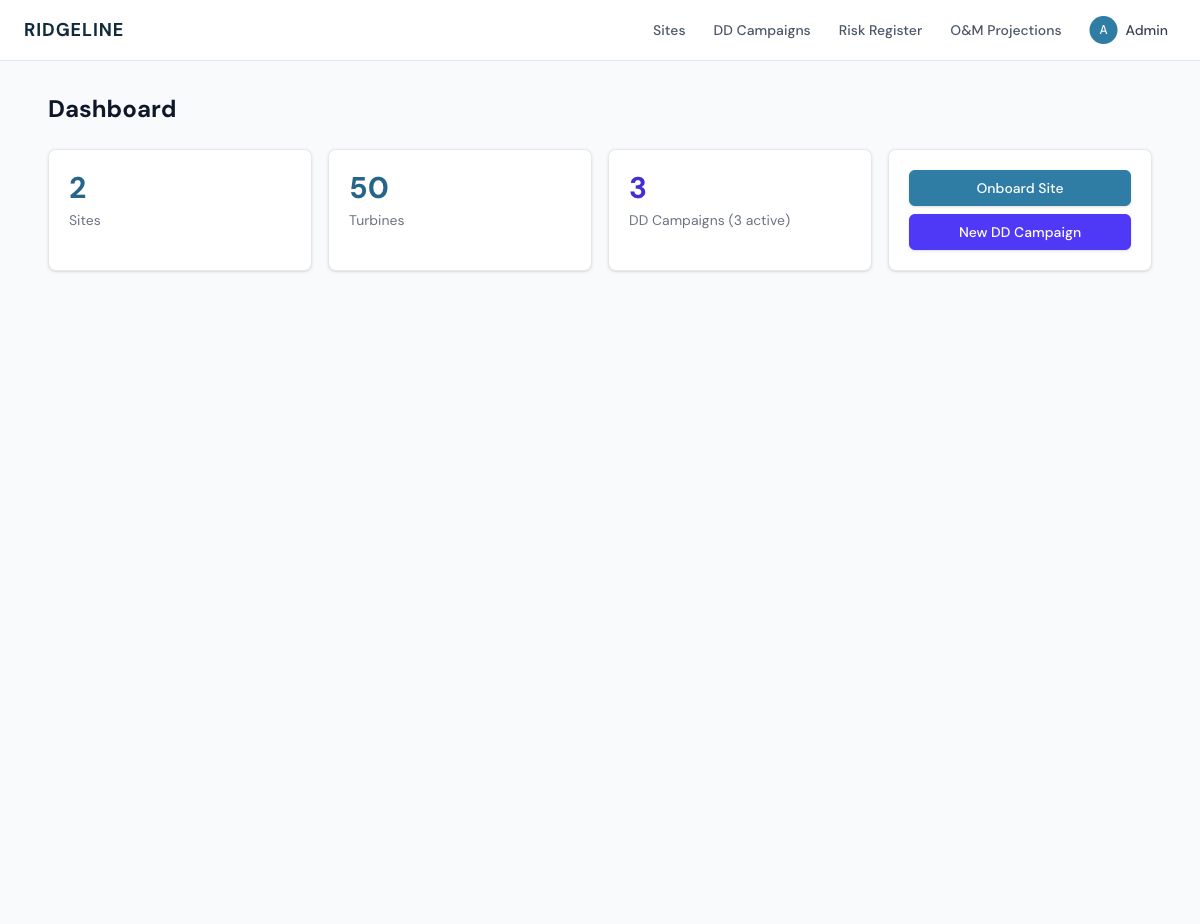
The dashboard shows portfolio summary cards and quick actions.
The top navigation bar provides access to all four modules: Sites, DD Campaigns, Risk Register, and O&M Projections.
User Roles
| Role | Permissions |
|---|---|
| Admin | Full access. Can manage users, invite new team members, manage turbine type templates, and perform all operations across all modules. |
| Analyst | Can create and edit sites, campaigns, risks, and projections. Cannot manage users or system templates. |
| Viewer | Read-only access to all modules. Can view data but cannot create or modify records. |
Managing users — Admin users can invite new team members and manage roles from the
/admin/userspage, accessible via the user menu.
Next Steps
- Sites — Managing wind farm locations, turbines, and service agreements
- DD Campaigns — Running acquisition evaluation campaigns
- Risk Register — Monitoring portfolio risks
- O&M Projections — Forecasting maintenance costs
Need a quick answer? — The Self-Help guides cover getting started, frequently asked questions, troubleshooting, and step-by-step how-tos.